
TV Remote Tracker · For iPhone
Your TV.
Your shows.
Your rules.
A remote that’s always within reach.
A place for everything you’re watching.
A little more personality in both.
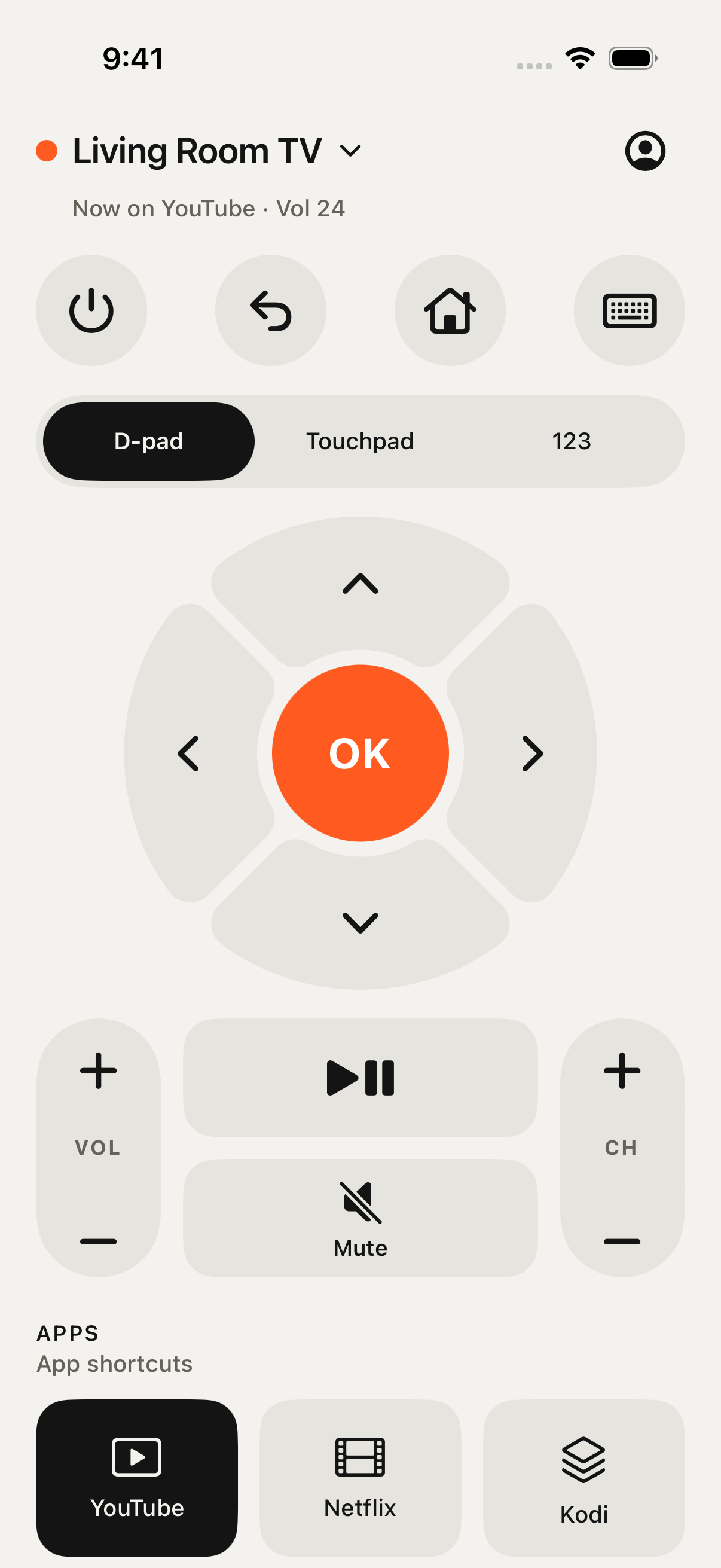
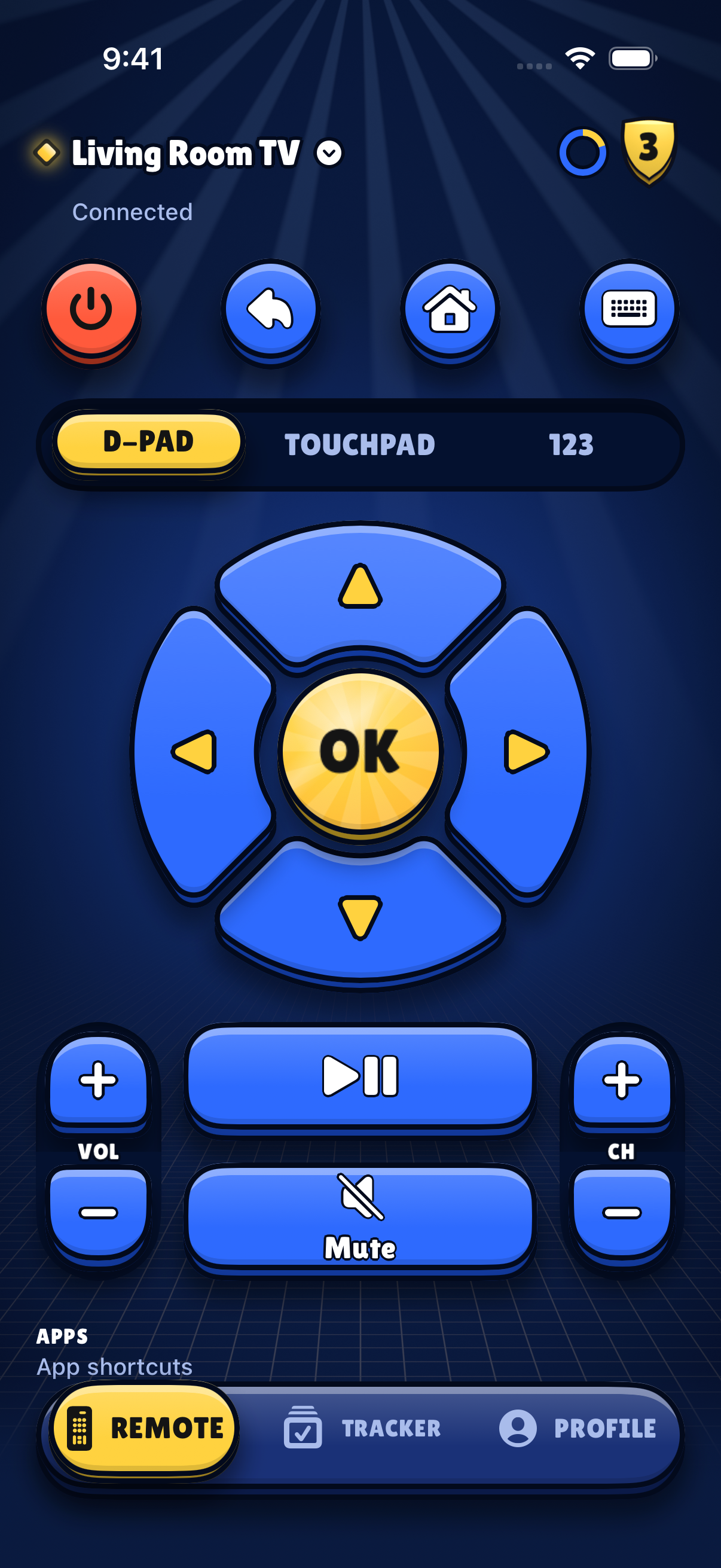
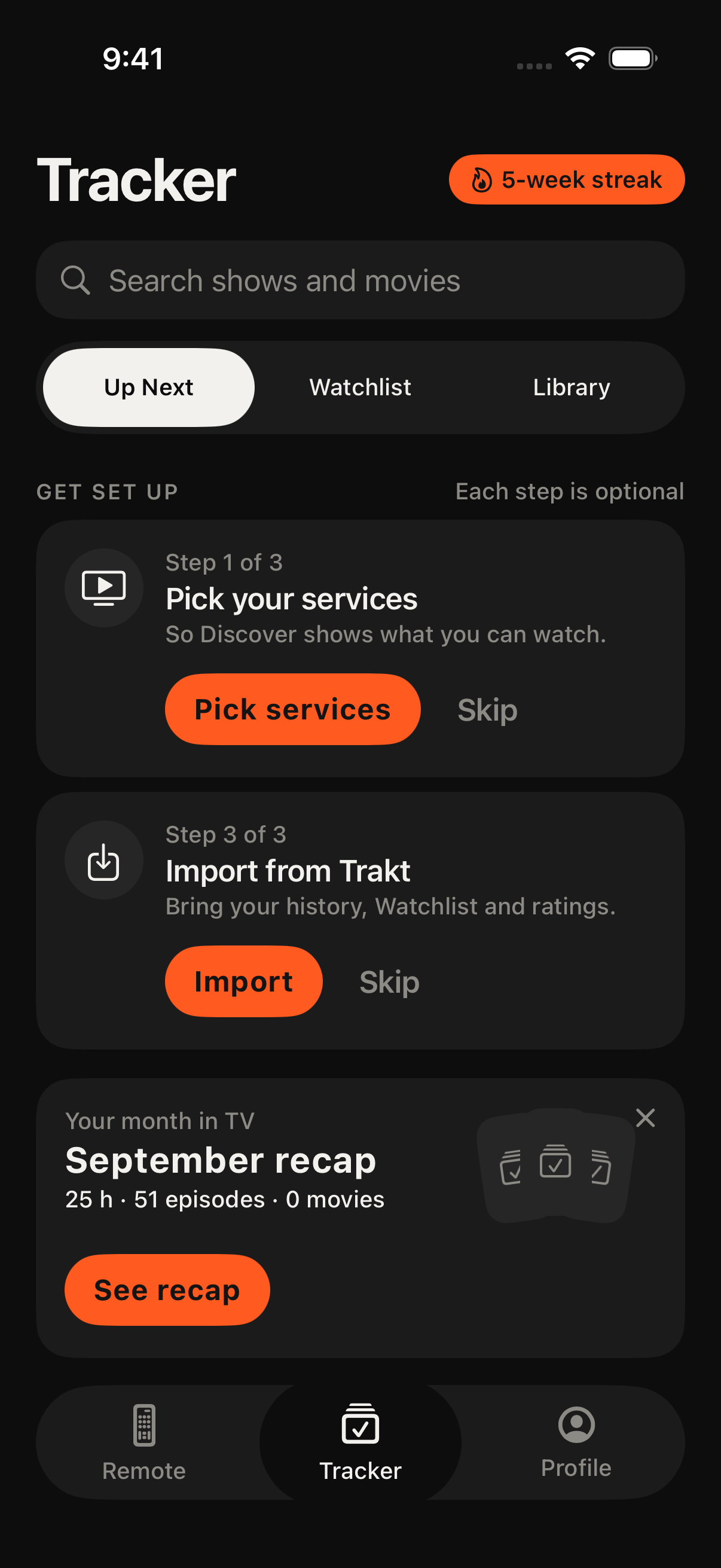
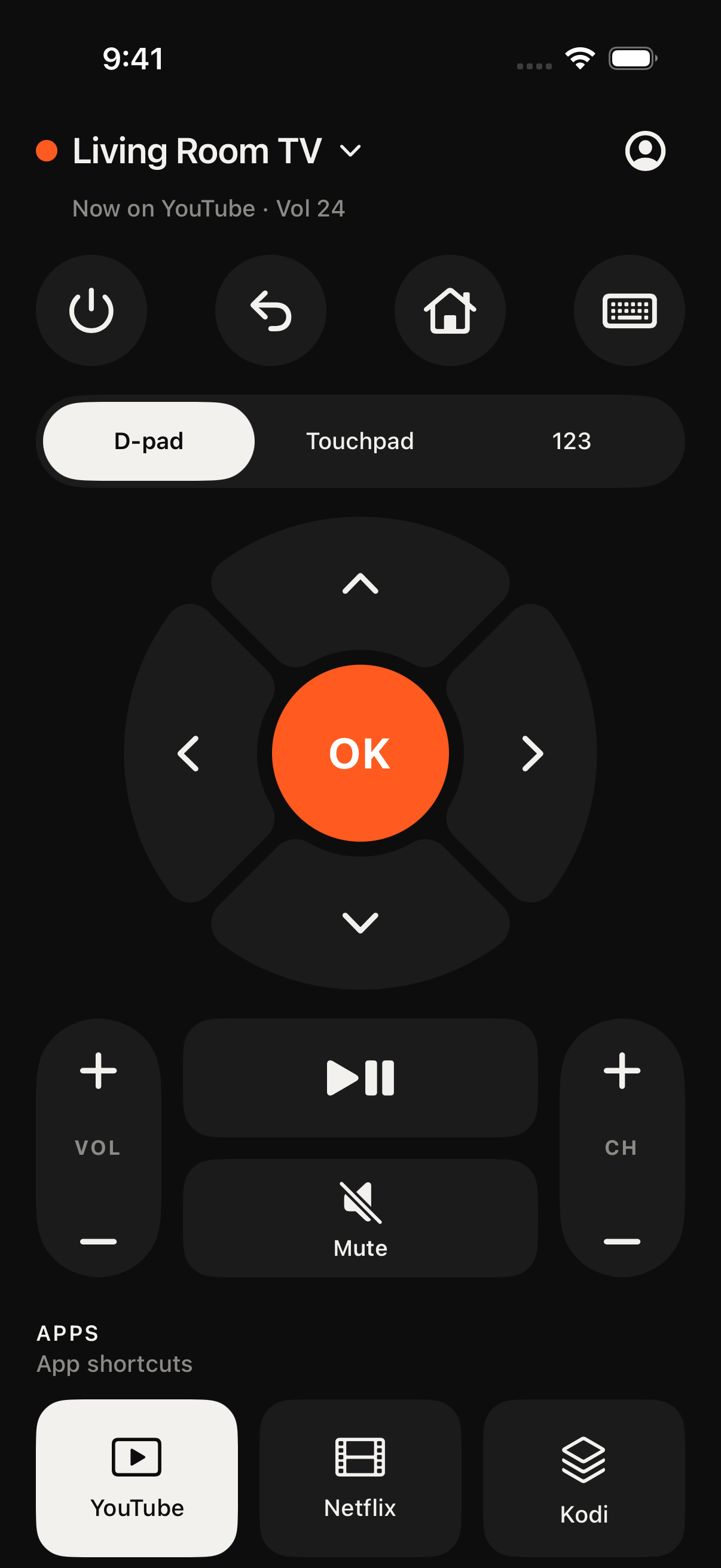
Actual app screenshots. Preview content and appearance may change before release.
Made for the TV
you already love.
- Google TV / Android TV
- Roku
- Samsung Tizen
- Hisense VIDAA
Connect your iPhone and TV to the same local network. Available controls depend on your TV model and its settings.
A closer look
Less juggling.
More watching.
Control the screen. Keep your place.
Make the whole thing feel like you.
The best remote?
The one you
have with you.
Turn your iPhone into the controls you reach for. Navigate with a D-pad, switch to a touchpad, or bring up the number pad when you need it.
- D-pad, touchpad, and number pad modes
- Keyboard input without the on-screen hunt
- Media controls and TV app shortcuts
- Saved devices, pairing, and reconnecting
Controls and shortcuts vary by TV and integration.
 VIEW FULL SCREEN ↗
Less “what was
I watching?”
More next episode.
Give your shows and movies a home. Keep a watchlist, track your progress, and find your way back to the next episode.
- Up Next, Watchlist, and Library
- Search for shows and movies
- Episode progress and viewing recaps
- An Up Next home screen widget
Preview screenshot uses sample viewing data.
VIEW FULL SCREEN ↗Same TV.
Different energy.
Clean and minimal? Chunky and playful? Give your remote a look that feels like yours, from Pocket Console to Arena and Playdough.
- Distinct visual skins for your remote
- Coins and progression as you use the app
- Unlock more looks in the skin collection
- Light and dark appearances
Shown here: Arena, a game-inspired remote skin.
VIEW FULL SCREEN ↗Before you settle in
A few
good answers.
Which TVs does it work with?
The app includes support for Google TV and Android TV devices, Roku players and TVs, Samsung Tizen TVs from 2016 onward, and Hisense TVs running VIDAA. Features vary by device; a Hisense TV running a different operating system uses the matching integration instead.
What do I need to connect?
An iPhone running iOS 18 or later, a supported TV or streaming device, and a shared local network. Allow local network access on your iPhone, then follow the pairing instructions. Some TVs ask you to enter a code or approve the connection on screen.
Can I use it to stream shows?
The tracker helps you organize shows and movies. It does not provide streaming subscriptions or video playback; watching content still requires the relevant service and access to that content.
Can I download it yet?
This is a preview of TV Remote Tracker. A public App Store download link will be added here when the app is available.
TV Remote Tracker
A better TV night.
In your pocket.
For iPhone. Requires iOS 18 or later. Read the app privacy policy ↗